
submitting results
Guidance on how to prepare and submit results for Scottish Bridge events and licensed club sessions.
SBU numbers must be included for all players as these are required for the electronic allocation of Master Points.
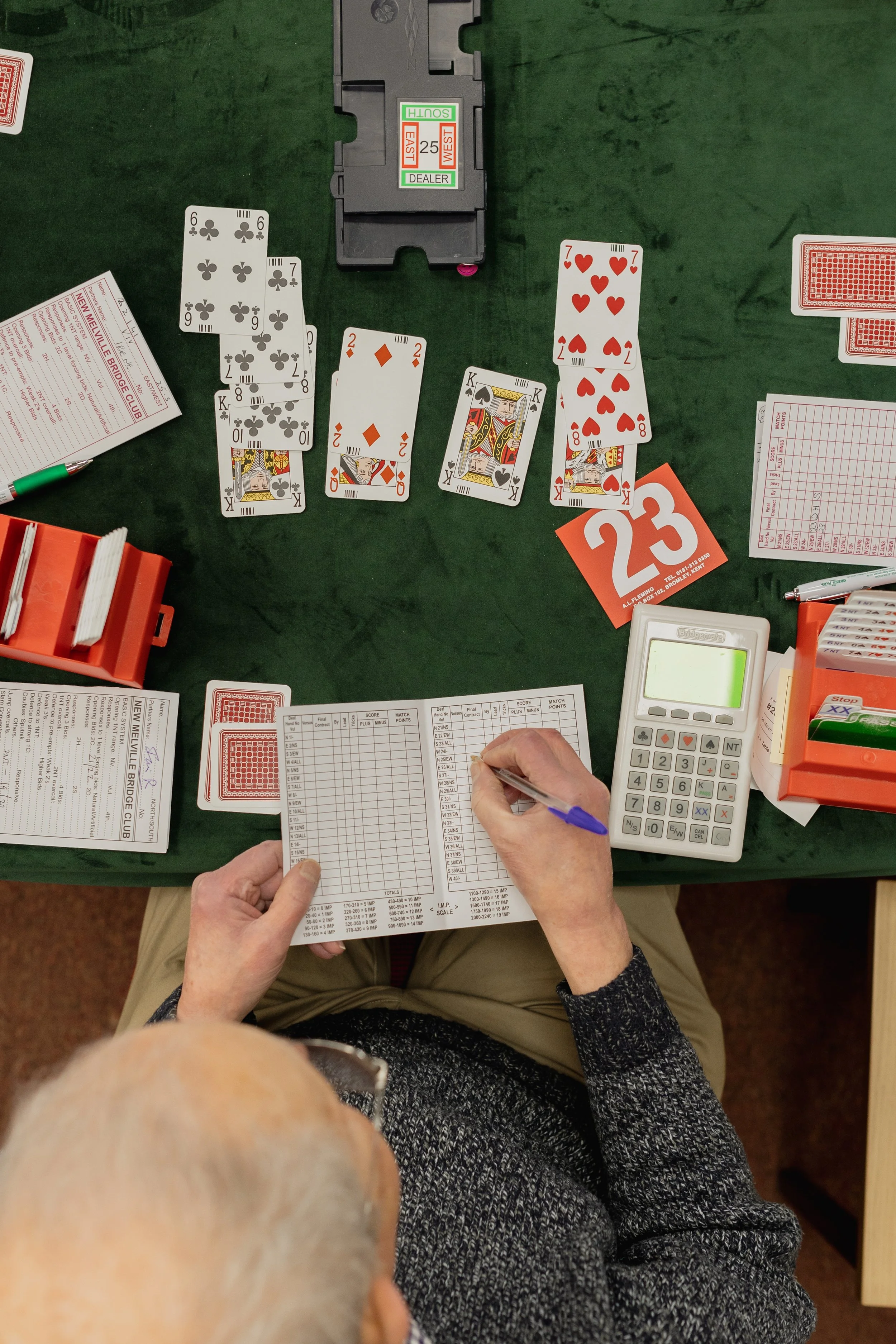
submitting results
Results should be submitted using one of the following approved methods.
via ScoreBridge
From the main Events list, right-click and select Make SBU Masterpoints File
This will automatically create and send the file directly to Scottish Bridge. An internet connection is required.
via Other Scoring Programs
Programmes including EBUScore, BriAn and BridgePlusDealer can generate an XML results file.
Locate the XML file on your computer and email it to masterpoints@sbu.org.uk
BBO Tournaments
Creating an XML file for BBO tournaments is a two-stage process:
Tournament data is extracted from BBO using a Chrome Extension.
The exported file is then converted into an XML file using the BBOtoXML web application.
Full instructions can be found within Mempad Help.
RealBridge Tournaments
RealBridge produces an XML file using English Bridge Union Master Point calculations, which can differ from Scottish Bridge rules in certain situations. To adjust the file for Scottish Bridge submission:
Import the RealBridge XML into the BBOtoXML application.
Generate a revised XML file for submission.
Full instructions can be found within Mempad Help.
Ecats-Scored Events
Submit results directly to Ecats using the instructions provided when entering the event.
Results may also be sent separately to Scottish Bridge in the usual way by emailing it to masterpoints@sbu.org.uk